
A walk-in cooler that stops cooling is a serious problem for any food business. Some causes are simple, like a door left open or a dirty condenser. Others need a technician. Checking a few basic things first can save time and help protect your stock while you decide what to do next.
Start With the Basics
Before you look at any equipment, check the thermostat. Make sure it is set to the right temperature and that the display is working. Next, look at the door. A cooler that is opened often, or left open even for a short time, will struggle to hold its temperature. Make a note of when the problem started. That detail helps a technician figure out what changed.
Check the Door Seals
The door gasket, also called the seal, keeps cold air inside. Run your hand along the edge of the gasket while the door is closed. You should feel a firm grip on the frame all the way around. Look for cracks, tears, hardened spots or gaps in the corners. A worn gasket lets warm air in, and the unit will run longer to keep up. Staff can usually spot this kind of wear during a daily check. Clean the gasket with mild soap and water, and keep food and product from getting caught in the door.
Look at the Evaporator Coil
The evaporator coil sits inside the cooler and pulls heat out of the air. If you see ice or heavy frost on the coil, or water dripping under the unit, the coil may not be defrosting correctly. Ice blocks airflow and cuts cooling power. Some units have a defrost cycle that runs on a timer. A technician can check whether the defrost system, heater or drain line is working. Do not try to chip ice off the coil with a metal tool, because you can damage the fins and the tubing.
Clear Airflow Inside the Cooler
Air needs to move freely through the cooler. Stacked boxes, pallets pushed against the back wall and product placed in front of the fan can all block airflow. Keep a clear path around the evaporator fan and leave space between shelves and walls. When the air cannot circulate, warm pockets form and the temperature rises in some areas even though the thermostat reads cold.
Check the Outdoor Condenser
Most walk-in coolers have a condenser unit outside the building. This unit releases heat from the system. If its coils are covered with dirt, leaves, grease or debris, it cannot shed heat well. Turn off power before doing anything near the unit. You can then gently clear loose debris from the outside of the coil with a soft brush. Do not bend the fins or use a pressure washer. Make sure the fan on the condenser is turning, and that nothing is blocking its path. A dirty condenser is one of the most common reasons a cooler loses its ability to hold temperature.
Listen and Watch for Warning Signs
Pay attention to how the unit sounds and behaves. A fan that does not spin, a buzzing compressor that never settles, or a unit that cycles on and off very quickly can all point to a problem. Tripped breakers and blown fuses also matter. Resetting a breaker once is reasonable, but if it trips again, stop and call for service. Repeated trips can signal an electrical or compressor issue that needs a trained technician.
Protect Your Food While You Troubleshoot
Food safety comes first. Keep the cooler door closed as much as possible. Move high-risk items, such as dairy, cooked foods and prepared meals, to a working refrigerator or cooler if you have one. Use a thermometer to check the air and product temperatures often. If the temperature stays above safe levels for too long, the food may need to be discarded. Follow your local health and food safety guidance, and write down your readings and the actions you took. A simple log of times, temperatures and repairs also gives a technician useful history when they arrive on site.
When to Call a Technician
Call for service if the cooler still will not hold temperature after the basic checks, if ice keeps building on the coil, if you notice a burning smell, or if the unit trips the breaker more than once. Also call if you see oil stains or refrigerant leaks around the lines. These problems often need gauges, electrical testing and parts that staff should not handle. Many issues are easier and less costly to fix when they are caught early, so do not wait until a full loss of product is on the line.
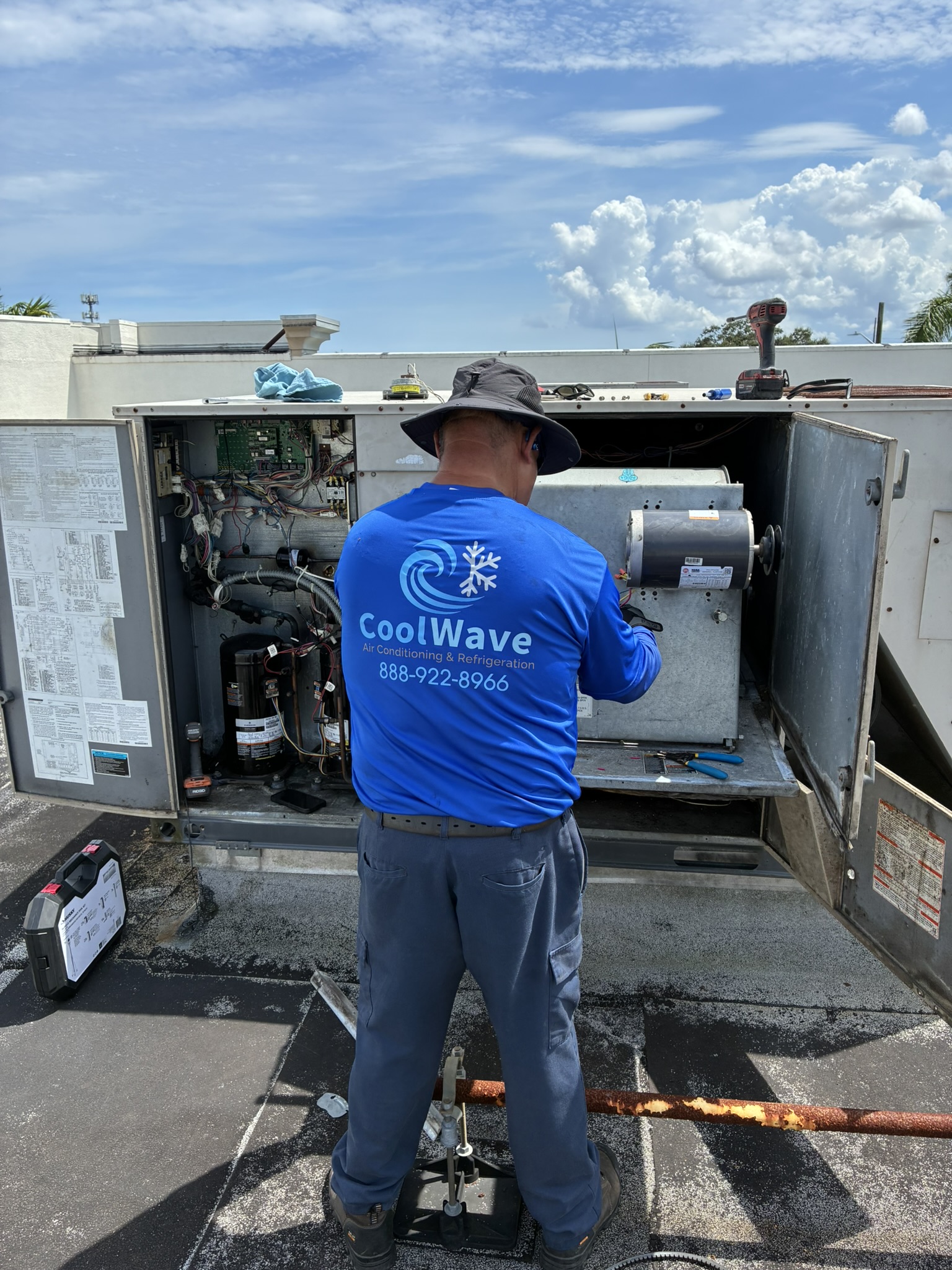
CoolWave serves commercial customers across Brevard, Indian River and St. Lucie counties, with service based in Palm Bay, FL. Our team handles commercial refrigeration service for restaurants, markets and other food businesses, and we offer 24-hour service for urgent problems. We are happy to look at your walk-in cooler and explain the options. Call for an estimate at 888-922-8966. You can also learn more about our work in the Palm Bay service area.
Frequently Asked Questions
Why is my walk-in cooler running but not cooling?
Common causes include a worn door gasket, a frosted evaporator coil, blocked airflow inside the cooler, or a dirty outdoor condenser. Basic checks can help narrow it down, but repairs usually need a technician.
Can I clean the condenser coil myself?
Staff can gently clear loose debris from the outside of the condenser after turning off power. Do not bend the fins or use a pressure washer. Call a technician for deeper cleaning or any electrical work.
What should I do with food while the cooler is down?
Keep the door closed, move high-risk food to another working refrigerator if possible, and check temperatures often. Follow local food safety guidance and discard food that stays too warm for too long.
Does CoolWave offer 24-hour service?
Yes. CoolWave offers 24-hour service for urgent commercial refrigeration problems. Call 888-922-8966 to request help.